
For years, every time I trained a new group, I sent essentially the same email — the outline, the references, the logistics — retyped almost from scratch each time, because copying from an old email always meant fixing three things that were different this time.
I don't know exactly how many times I sent that email. Enough that I finally sat down and asked why I was still doing it manually. So I built Template Mail. Write the email once, save it as a template, fill in what's actually different this time, and it opens ready to send in Apple Mail — no retyping, no copy-paste, no hunting through old sent messages.
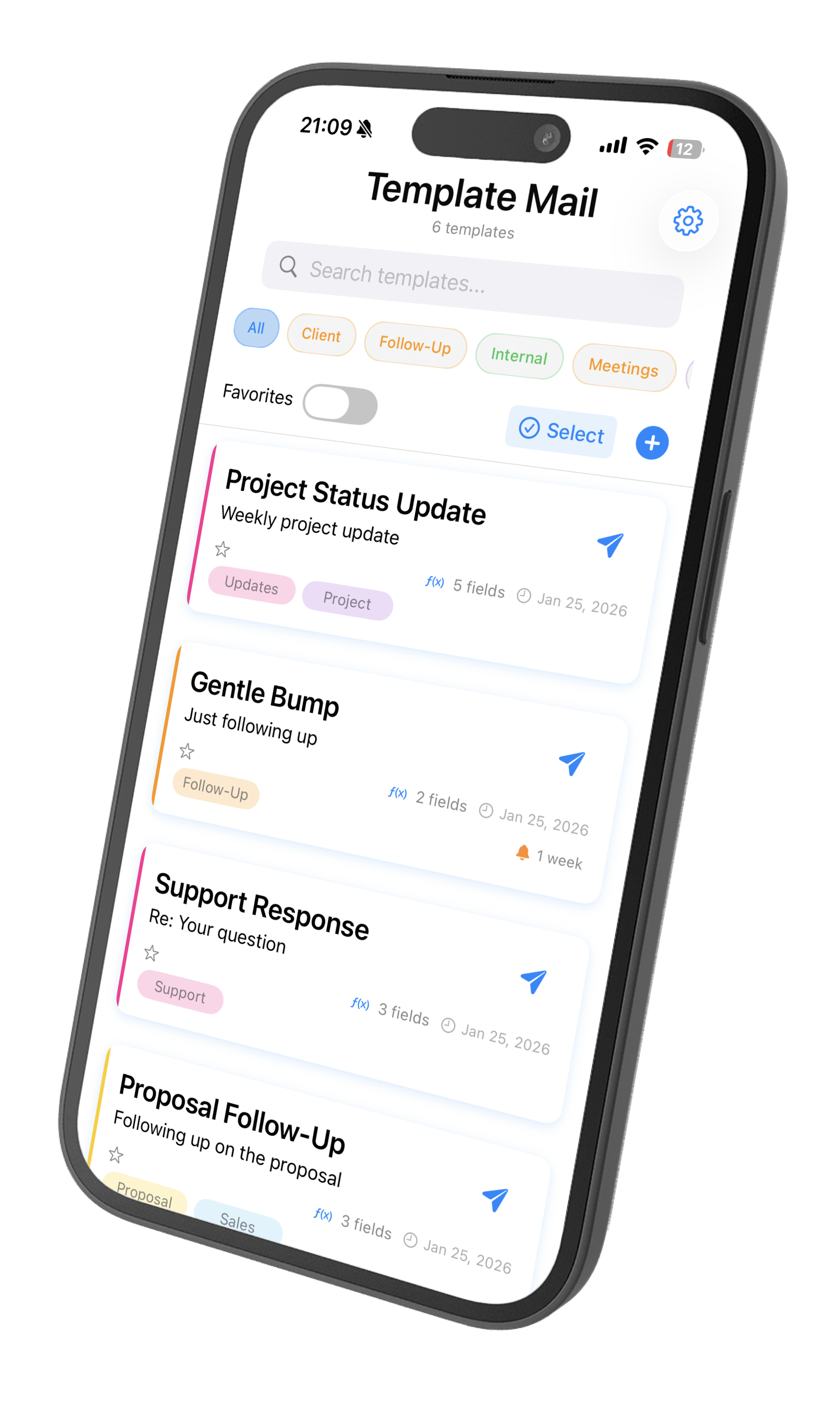
Template Mail isn't a separate inbox or a new app to manage — it works with the Mail app you already use, on iPhone, iPad, and Mac.
Start with 3 templates, free. Unlock unlimited templates with a one-time purchase — no subscription, ever.